Thuban Blackbox

Replay it. Explain it. See the timeline.

Thuban Blackbox is Shield's forensic layer: npx thuban blackbox replays every recorded session, explains why Shield allowed or blocked each action, and renders a branching timeline of what an agent actually did.

Terminal

  
Get Started Free
KEEP YOUR STACK. ADD THUBAN.

"What did the agent try to do, and why did we let it?" kills a postmortem when there's no answer. Blackbox records every decision an agent made and why Shield allowed or blocked it — a replayable, explainable timeline, not a black box.

Get Started Free

Your first 30 days of Thuban Individual is free. No card required, just a valid email address.

Shield — 5 Defence Layers

  • File Guard — pre-emptive snapshots, protected paths, overwrite prevention
  • Shadow Realm — sandboxed execution environment
  • Watchers — real-time filesystem monitoring
  • Execution Gate — command validation before execution
  • Audit & Recovery — hash-chained audit trail, instant rollback

Crucible

  • Adversarial mutation testing
  • Verifies defences catch known attack patterns

Scanner

  • All 69 detection rules
  • 10 language support
  • Hallucinated API detection
  • Dependency analysis
  • Trust Score

Forge

  • Builds defensive rules from real-world incidents
  • 5 signed rule packs shipped

Cost Guard NEW

  • Catches unbounded AI/LLM loops before they run away
  • Flags missing output token limits
  • Runs automatically in every scan — no flag needed

Additional

  • Blackbox explainability engine
  • Intelligence threat analysis
  • 8 Advisor modes (roast, rate, boost, risk, trend, benchmark, onboard, compliance)
  • CLI + MCP integration
  • Works with Claude Code, Codex, Cursor, Gemini CLI, any AI coding agent
  • 100% local — your code never leaves your machine
  • Community support
The Problem

Shield records everything. Nothing made it readable.

Every Shield-protected session already writes a hash-chained audit trail — every allowed write, every blocked command, every snapshot. But a raw audit trail is a list of JSON entries. When something goes wrong, "grep the audit log" is not an incident response process.
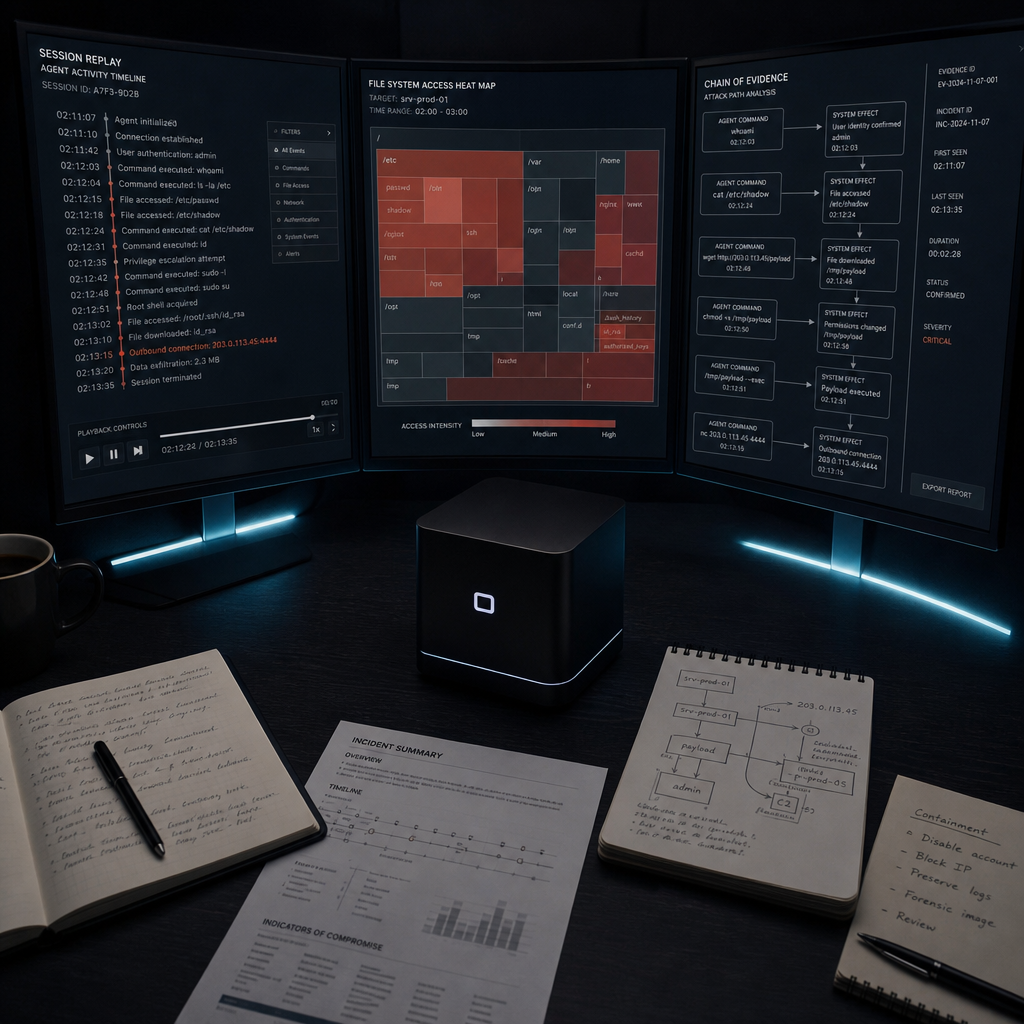
Forensic workstation analysing attack evidence across multiple monitors
×

No chronological view

The raw trail has no session boundaries, no grouping, no way to see "what did this agent do, in order" without reading every entry by hand.

×

No "why" attached to any entry

A BLOCKED verdict tells you Shield stopped something. It doesn't tell you which of Shield's 5 layers made that call, or what would have happened otherwise.

×

No timeline, no aggregation

Which files got touched across a session? Where did a blocked action sit relative to everything around it? The raw trail doesn't answer that either.

Blackbox is the CLI layer that turns Shield's existing audit trail into something a human can actually read: npx thuban blackbox replay, explain, and timeline — no new logging, no new format, just the evidence Shield already recorded, made legible.


Architecture

Four layers, four separate jobs

Blackbox is one of four independent layers in Thuban. Each does exactly one job, none of them can do another's job, and that separation is enforced structurally — not by policy or prompt instructions that a compromised agent could talk its way around.

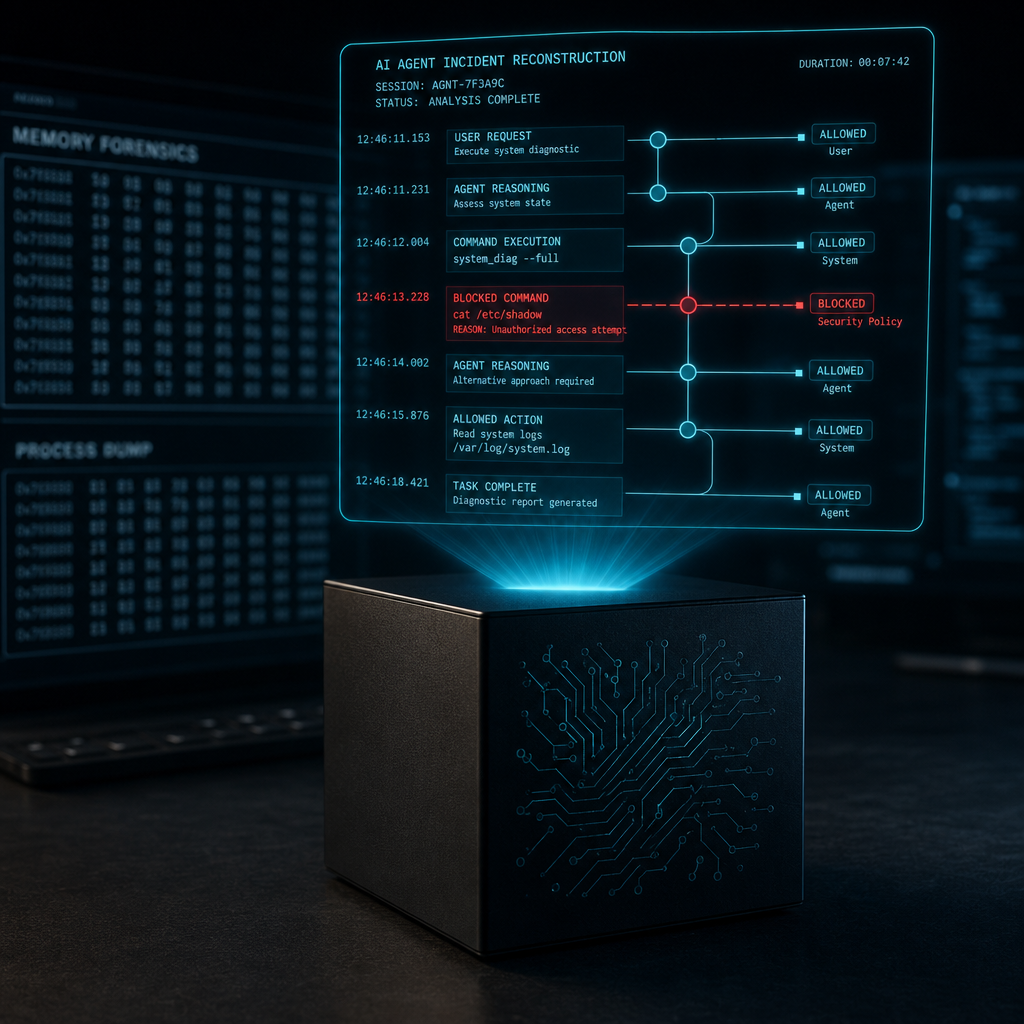
Blackbox forensic cube opening to reveal recorded incident data
01

Shield

Restricted production enforcement engine. Deterministic OS-level controls decide what an agent is allowed to do — no LLM in that decision path, so there's nothing to jailbreak.

02

Forge

Defence generation. Reads hostile evidence recorded by Blackbox to build new rules for Shield — it can propose a rule, but it has no execution rights of its own.

03

Crucible

Isolated security-research environment. Attacks candidate defences generated by Forge inside a sandbox that has no path back to production.

04

Blackbox

Forensic replay and explainability. Wraps Shield's existing audit trail with replay, explain and timeline — read-only, zero execution rights on the host, ever.

Why four separate layers instead of one smart agent: a single system that enforces, learns, tests and explains would need to trust its own analysis of hostile input before acting on it. Splitting the roles means the layer that reads hostile evidence (Blackbox) is structurally incapable of acting on it, and the layer that acts (Shield) never has to reason about anything it reads — it just enforces deterministic rules.

What It Is

A flight recorder for AI agent sessions

An aircraft black box doesn't stop the crash — it survives it, and it tells investigators exactly what happened. Thuban Blackbox is the same idea applied to AI agent sessions: it records everything an agent does, and when something goes wrong, it reconstructs the incident chain in full, from first command to final effect.

Thuban Shield monitoring dashboard on a desk monitor

What it is not

Not an application log with timestamps bolted on. Not a summary. Not something an agent — or an attacker who compromised an agent — can quietly edit after the fact.

What it is

A tamper-evident, chained recording of every action attempted, every decision Shield made about it, and every outcome — replayable end to end with thuban blackbox replay, and explainable event-by-event with thuban blackbox explain.

Shield enforces. Forge learns. Crucible proves. Blackbox explains.

How It Works

Three commands, one audit trail

Blackbox does not duplicate Shield's audit and snapshot machinery — it wraps it. All three commands read from the same audit trail Shield already writes to (getAuditTrail(), listSnapshots()) and layer formatting, session grouping, and "why did this happen" analysis on top.

01

thuban blackbox replay

Chronological session playback. Groups audit entries into sessions (a 5-minute gap starts a new one), prints each ALLOWED/BLOCKED action in order, and totals actions recorded, blocked, and files modified.

02

thuban blackbox explain

Takes an event id (or --last) and narrates which of Shield's layers made the call — Objective Boundary, File Guard, Shadow Realm, Execution Gate, Audit & Recovery — and surfaces the snapshot preserved before a blocked write.

03

thuban blackbox timeline

Renders a unicode box-drawing tree of every session in a time window, marks critical events (blocked writes, rollbacks, credential access), and aggregates writes/blocks per file.

All three commands support --json for machine-readable output — pipe them into your own tooling, a CI step, or a compliance export. Implemented in packages/shield/blackbox.js, covered by 46 passing tests.

Real Output

What the CLI actually prints

This is unedited output from a real Shield-protected project: two allowed actions, two blocked, then an explanation of why the blocked write was rejected.

npx thuban blackbox replay
▣ Thuban Blackbox — Replay
 
18:46:41 ALLOWED EXECUTE echo hello
All checks passed
18:46:41 BLOCKED EXECUTE rm -rf /
BLOCKED: Command contains dangerous pattern: "rm -rf /"
18:46:41 ALLOWED write notes.txt
All checks passed
18:46:41 BLOCKED write .env
BLOCKED: File is ABSOLUTE protected (.env)
 
4 actions recorded, 2 blocked, 0 files modified
npx thuban blackbox explain --last
▣ Thuban Blackbox — Explain
 
Shield BLOCKED this write — .env
 
Event ID: 88aba7f450789f0b
Time: 02/08/2026, 18:46:41
Verdict: BLOCKED
Layer: Layer 1 — File Guard
 
Narrative:
Shield evaluated a write on ".env" and the Layer 1 — File Guard rejected it.
Reason: BLOCKED: File is ABSOLUTE protected (.env).
Without Shield, this operation would have executed unmodified — potentially
overwriting, deleting, or executing content that Shield judged unsafe.
npx thuban blackbox timeline --hours=1
▣ Thuban Blackbox — Timeline (last 1h)
 
Session 1 (02/08/2026, 18:46:41 → 18:46:41)
│ 4 actions, 2 blocked, 2 critical
├── EXECUTE echo hello ✓ ALLOWED
│ All checks passed
├── EXECUTE rm -rf / ✗ BLOCKED
│ BLOCKED: Command contains dangerous pattern: "rm -rf /"
├── write notes.txt ✓ ALLOWED
│ All checks passed
└── write .env ✗ BLOCKED
BLOCKED: File is ABSOLUTE protected (.env)

Session grouping is automatic

Entries with a gap of more than 5 minutes start a new session. replay defaults to the most recent one; --session=<id> replays a specific one.

Layer attribution is inferred, not guessed at random

Blackbox reads the reason string Shield already writes for every verdict and maps it back to the layer that produced it — File Guard, Shadow Realm, Execution Gate, Audit & Recovery, or the Behavioural Sequence Engine.

What Blackbox Does

Every session, fully accounted for

Every protected session produces a complete, ordered record — not a sample, not a summary — and the three Blackbox commands turn it into replay, explanation, and timeline views without touching Shield's core logic.

Close-up of the Blackbox forensic cube showing internal circuit traces
01

Complete session timelines

Every file write, command execution, and rollback the agent attempted — with timestamps — recorded as it happened, grouped into sessions by thuban blackbox replay.

02

Layer-level explanations

thuban blackbox explain maps any event back to the Shield layer that decided it — File Guard, Shadow Realm, Execution Gate, Audit & Recovery — plus the snapshot preserved before a blocked write.

03

Critical-event highlighting

Blocked writes, rollbacks, and credential-access attempts are flagged automatically in thuban blackbox timeline so the events that matter don't get lost in routine activity.

04

Human-readable output

Raw audit entries become colored, readable lines: verdict, operation, target, and reason — no JSON parsing required, though --json is there when you need it.

05

Per-file aggregation

timeline rolls up how many writes were allowed vs. blocked for every file touched in the window, so you can see which files saw the most contention.

06

Entirely local, read-only

No data leaves your machine, no cloud dependency. Blackbox only reads Shield's existing audit trail and snapshots — it has no write or execution path of its own.

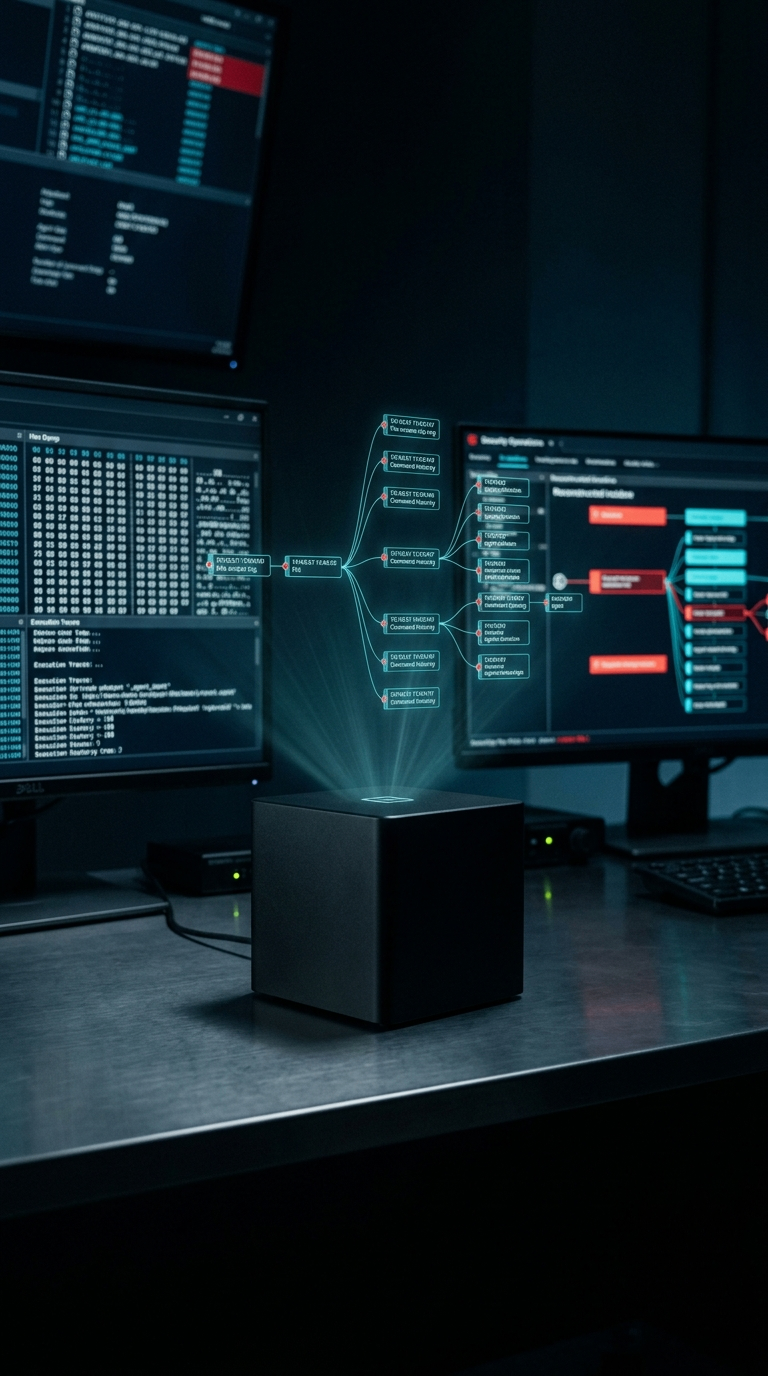
Blackbox cube projecting a holographic command history tree with hex dumps on surrounding monitors
Why It Matters

Evidence, not a marketing claim

Anyone can say "we log everything." Blackbox is built so the record can't be quietly edited after an incident, and so a full session can be replayed rather than pieced together from fragments.

Incident investigation

thuban blackbox replay shows exactly what an agent did, in order, with the decision Shield made at each step.

Rollback with full context

explain surfaces the snapshot Shield preserved right before a blocked write, with the exact rollback command to run.

Compliance and audit evidence

When an auditor asks what your AI agents did last quarter, --json output from any Blackbox command is ready to hand over.

Tamper-evident recording

Recordings can't be silently modified after the fact — Shield's audit trail is hash-chained, and Blackbox only ever reads it.

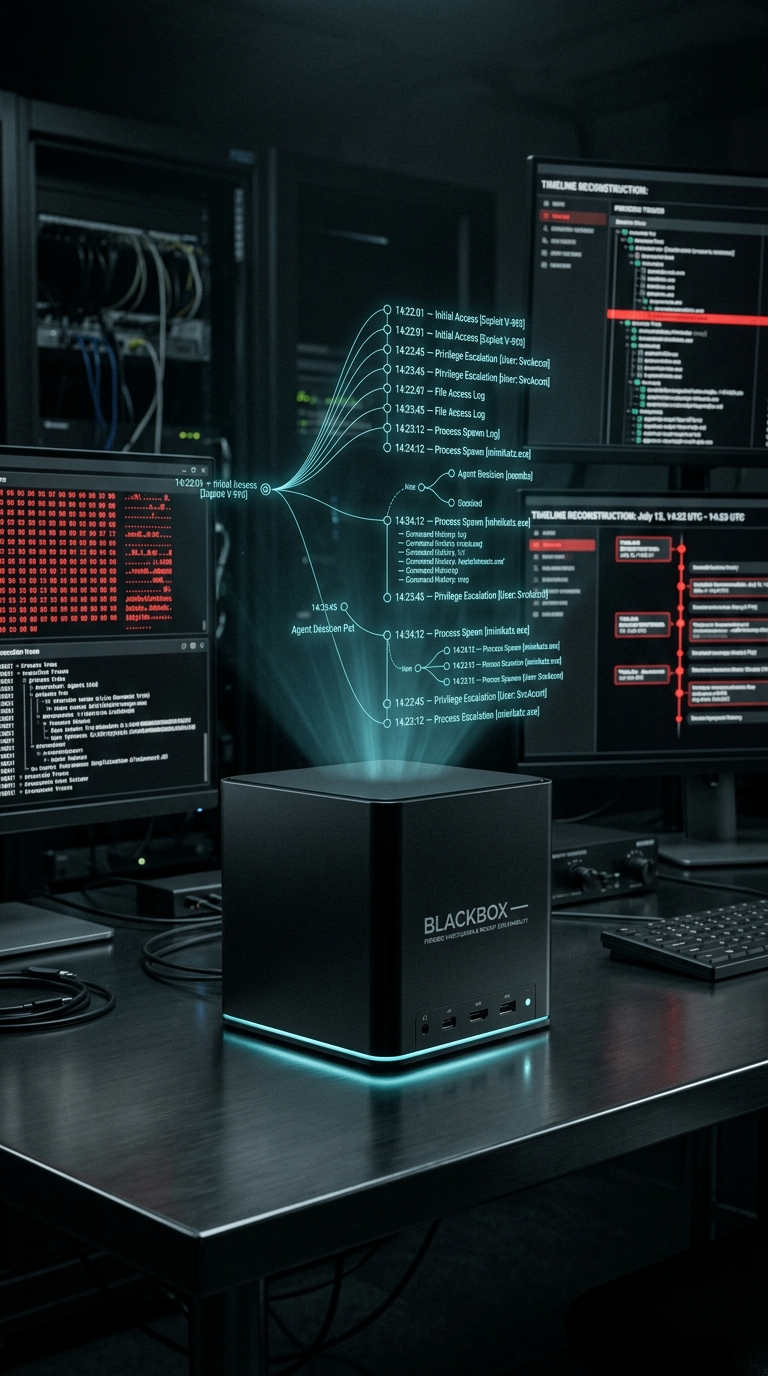
Blackbox timeline reconstruction showing initial access, file access, process spawn and privilege escalation stages with timestamps

A log file tells you something happened. Blackbox tells you exactly what happened, which layer decided it, and how to undo it — with replay, explain, and timeline.

Comparison

Logs vs. forensic evidence

A log file tells you something happened. Blackbox tells you exactly what happened, why it was allowed to happen, and how to undo it.

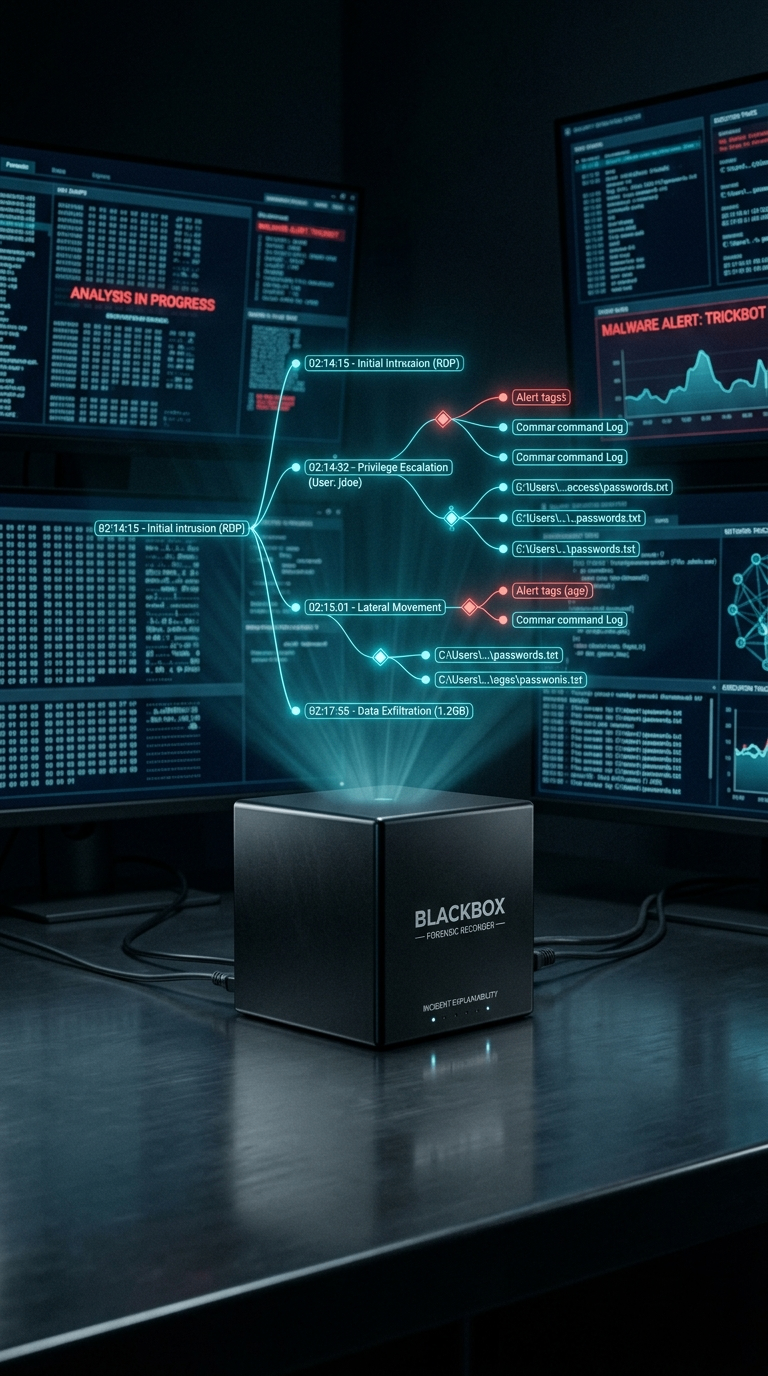
Blackbox Forensic Recorder showing a real incident chain: RDP intrusion, privilege escalation, lateral movement, data exfiltration, with timestamps
Capability Nothing App logs Thuban Blackbox
Records attempted vs allowed vs blocked attempted only, usually
Tamper-evident (chained records)
Full session replay
Rollback with recorded context
Audit-ready compliance evidence requires manual assembly

Replay it. Explain it. Never guess again.

Blackbox ships with every Shield installation — npx thuban blackbox to get started.

Get Started Free

New to Thuban? Read the full Getting Started Guide.

Thuban Help
Ask a question or pick a topic below.